

Last updated: October 2026
What are the best Tenable alternatives in 2026?
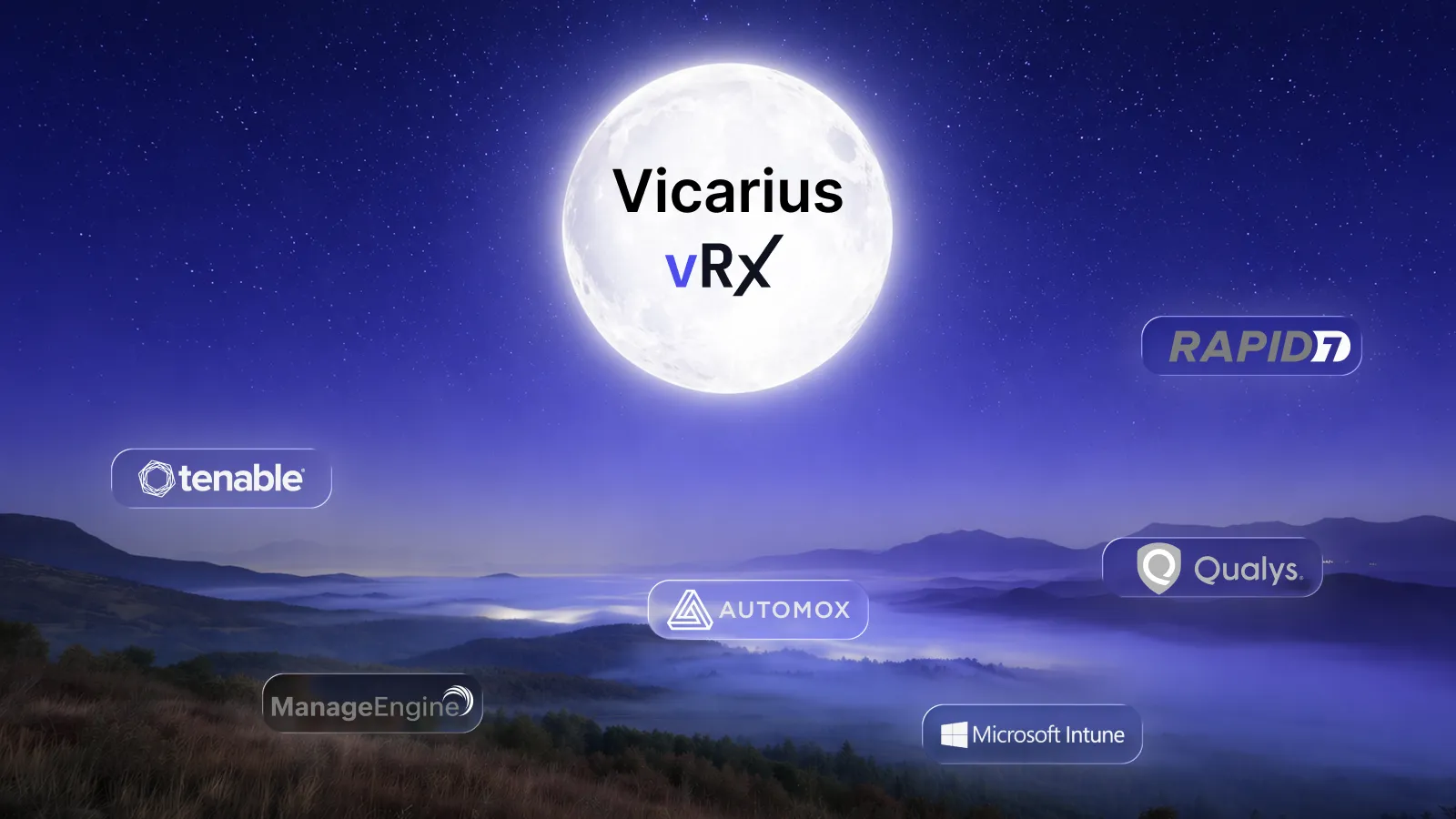
The best Tenable alternatives in 2026 are Vicarius vRx, Qualys VMDR, Rapid7 InsightVM / Exposure Command, Microsoft Defender Vulnerability Management, ManageEngine Vulnerability Manager Plus, Greenbone OpenVAS and Automox. Which one fits depends on what you need Tenable to do better:
- Find vulnerabilities as broadly as Tenable does: Qualys VMDR or Rapid7.
- Find vulnerabilities and fix them in one platform: Vicarius vRx, or ManageEngine for mid-sized teams that want one console.
- Stay inside the Microsoft stack: Microsoft Defender Vulnerability Management.
- A free Nessus alternative: Greenbone OpenVAS.
- Automate patching and keep your current scanner: Automox.
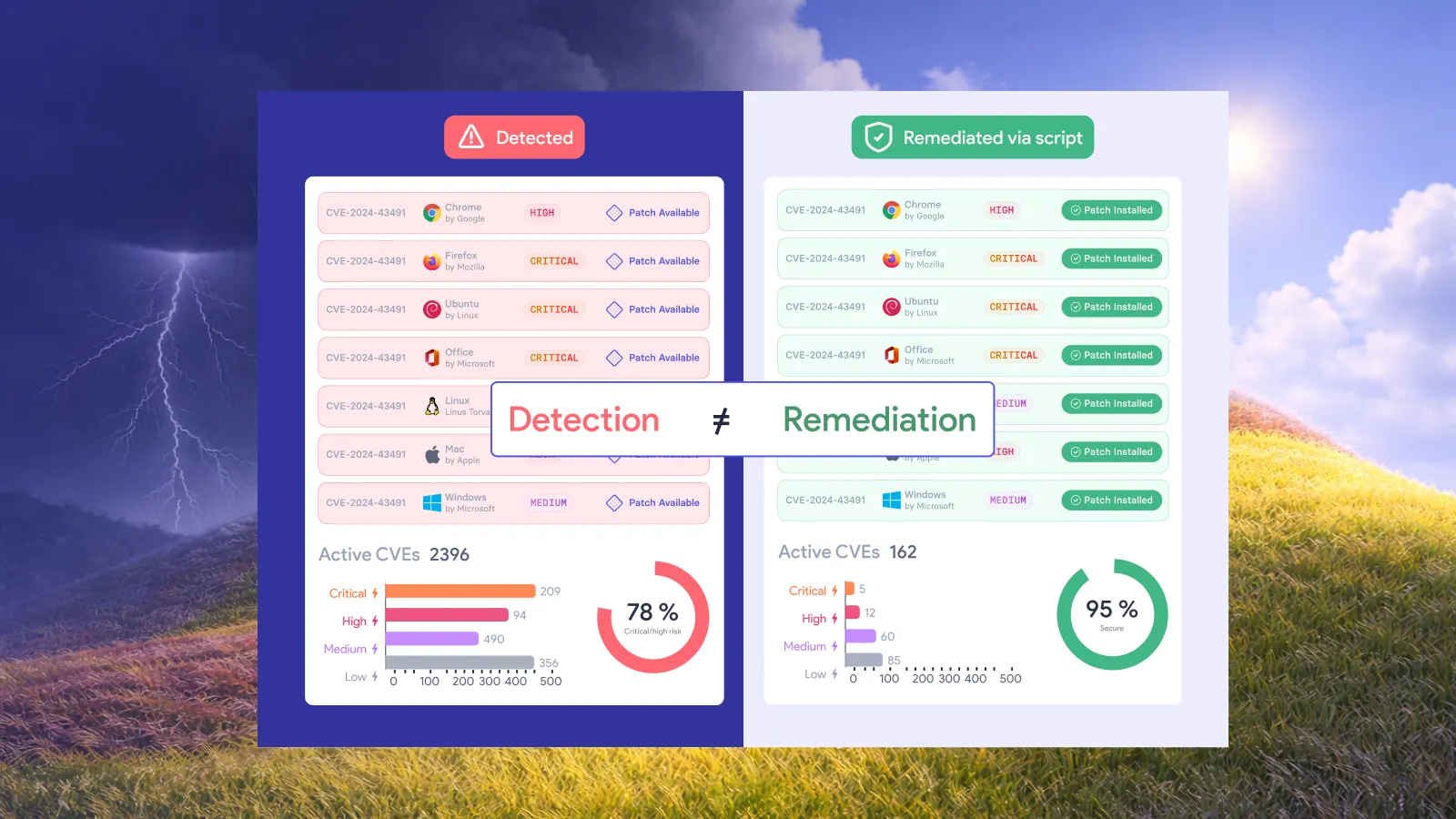
Tenable, and its Nessus scanner, is still one of the strongest tools for finding vulnerabilities. Its gap is fixing them. Tenable's patching is a partner-built add-on, and its remediation workflows come from an acquisition. So a key question for any alternative is whether remediation is native (built and run by the vendor in the same platform) or bolted on (delivered through a partner, a separate product or an integration). This guide flags that for every tool.
Disclosure: Vicarius makes vRx, one of the tools below. We've aimed to be fair, including where competitors are stronger.
Tenable alternatives compared
Native means the vendor builds and runs the capability inside the same platform. Bolted on means it comes from a partner, a separate product or an integration. Bolted-on remediation can work well, but it usually adds a second console, another licence or a hand-off between teams.
Tenable and Nessus in 2026: strengths and gaps
Tenable sells several related products, and people searching for "Tenable alternatives" usually mean one of these:
- Nessus: the scanner. Nessus Professional is the paid single-scanner product. Nessus Essentials is the free version, now limited to 5 IPs, 30-day licences and non-commercial use.
- Tenable Vulnerability Management: the cloud platform (formerly http://Tenable.io ). Tenable Security Center is the on-prem equivalent.
- Tenable One: the exposure management platform that sits on top, pulling in cloud, identity, web app and OT data.
Where Tenable is strong
- Detection breadth. Nessus has one of the largest vulnerability check libraries in the market. Tenable covers networks, endpoints, cloud, web apps, Active Directory and OT.
- Prioritisation. Its Vulnerability Priority Rating (VPR) weighs threat intelligence and exploitability, not just CVSS.
- Maturity. It's a long-established standard, widely known by auditors, consultants and security teams.
Where Tenable falls short
- Remediation is bolted on. Tenable Patch Management (launched December 2024) is an add-on built on Adaptiva's patching technology, not Tenable's own engine. It has matured through 2026, adding phased rollouts and automatic Nessus agent rescans after patching. Remediation workflows come from Vulcan Cyber, which Tenable acquired in February 2025 for about $150 million. Both help, but they arrived from outside and are priced and run as extras.
- No native mitigation when there's no patch. Tenable can prioritise and route a zero-day, but it can't apply a scripted workaround or block the vulnerable software itself.
- The free option has shrunk. Nessus Essentials is now aimed at evaluations and home labs rather than ongoing use.
- Licensing complexity. Scanning, exposure management, patching and remediation workflows are separate products or add-ons.
If the gap you feel is "we find more than we can fix", look for an alternative with native remediation. If the gap is price or the free tier, look at OpenVAS. For a feature-by-feature view, see Vicarius vRx vs Tenable.
The 7 best Tenable alternatives
1. Vicarius vRx
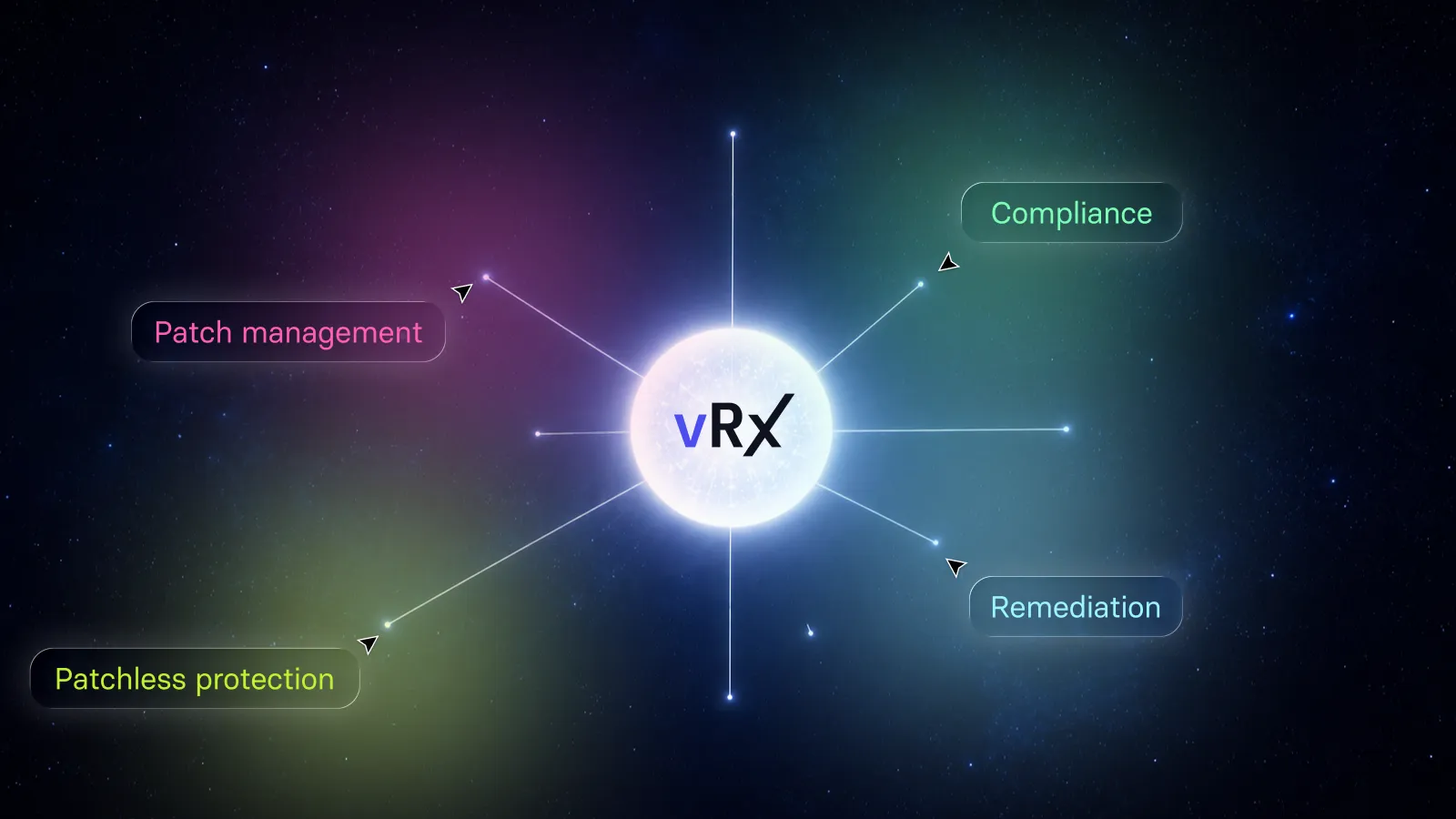
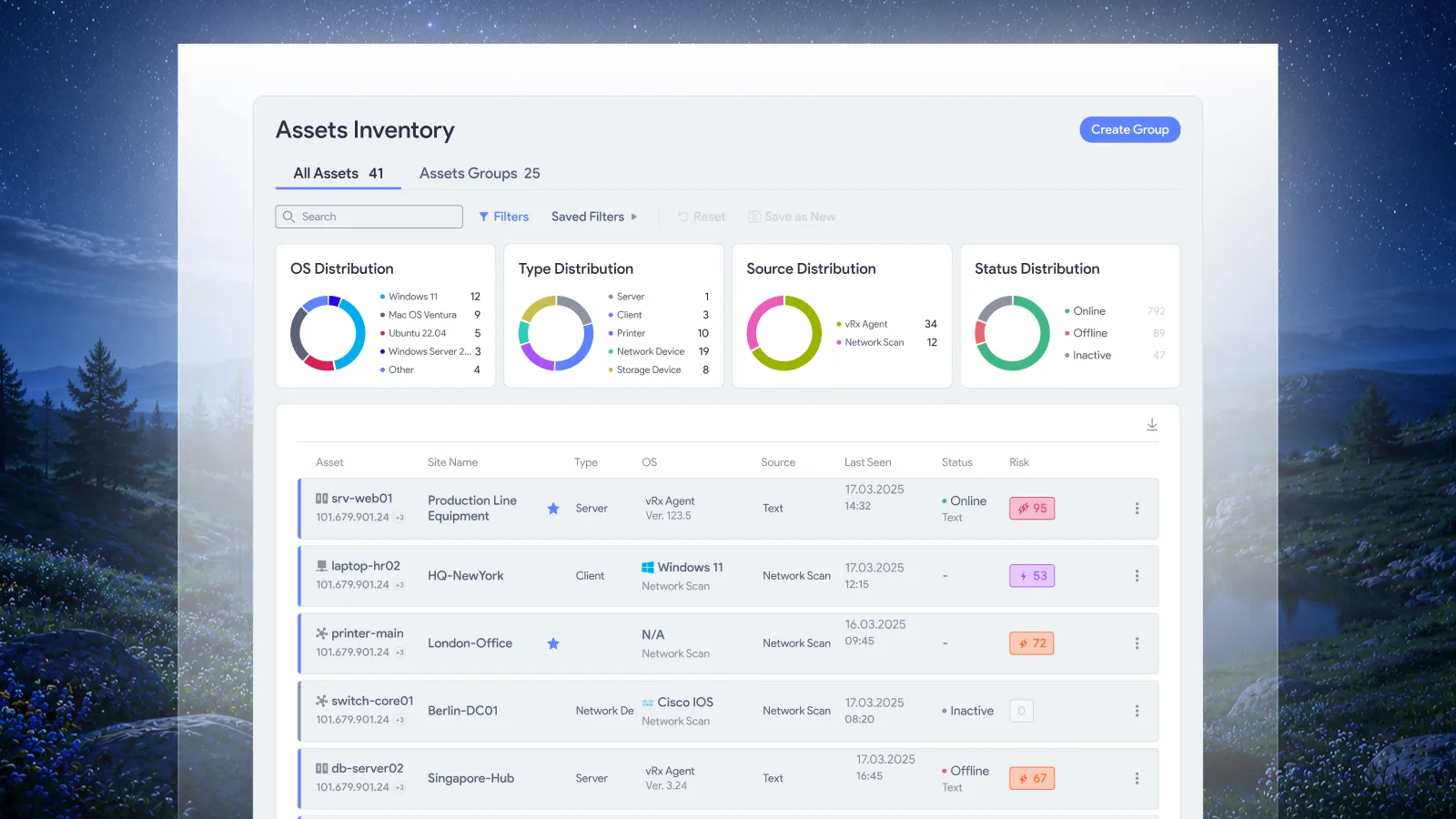
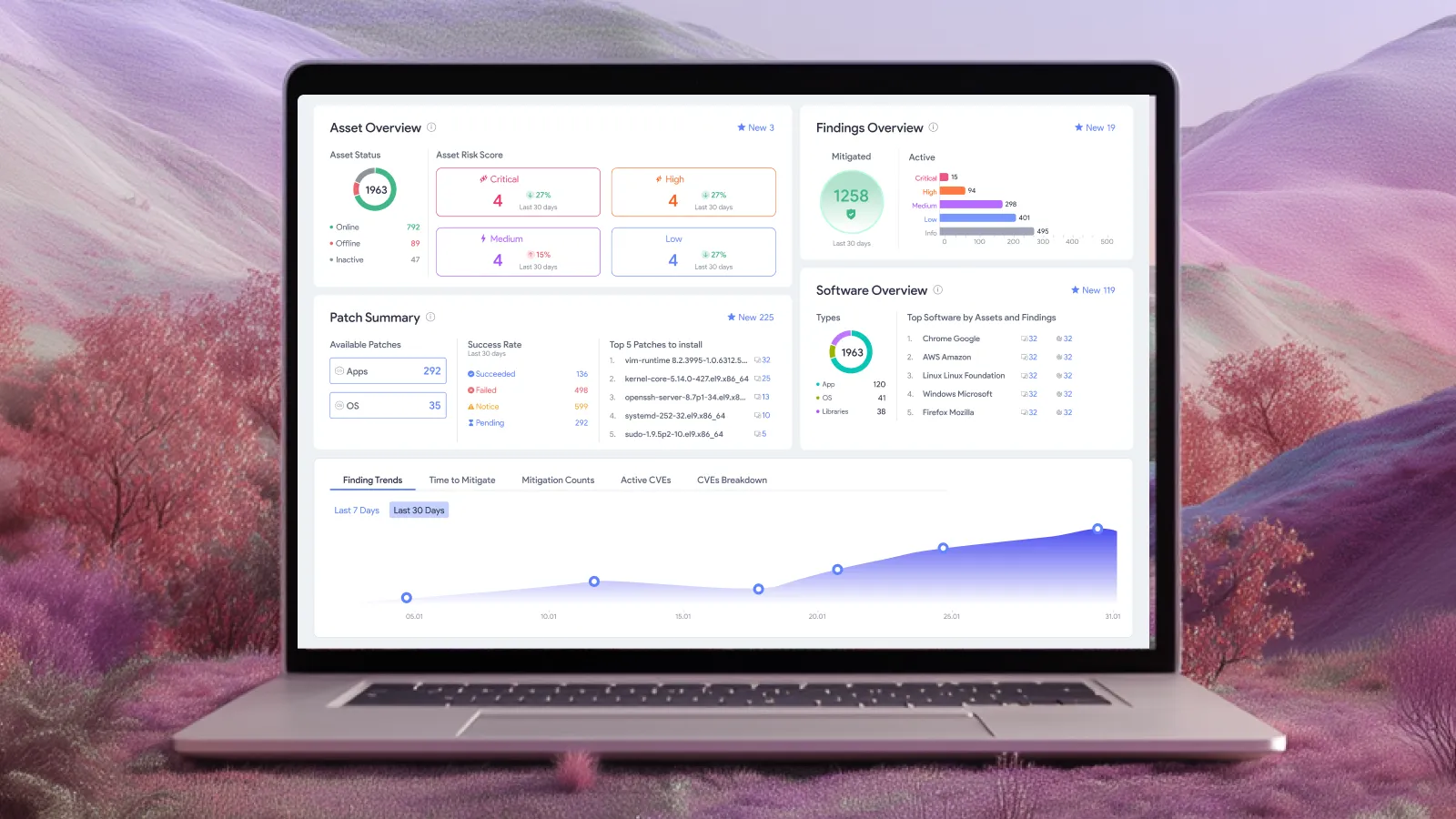
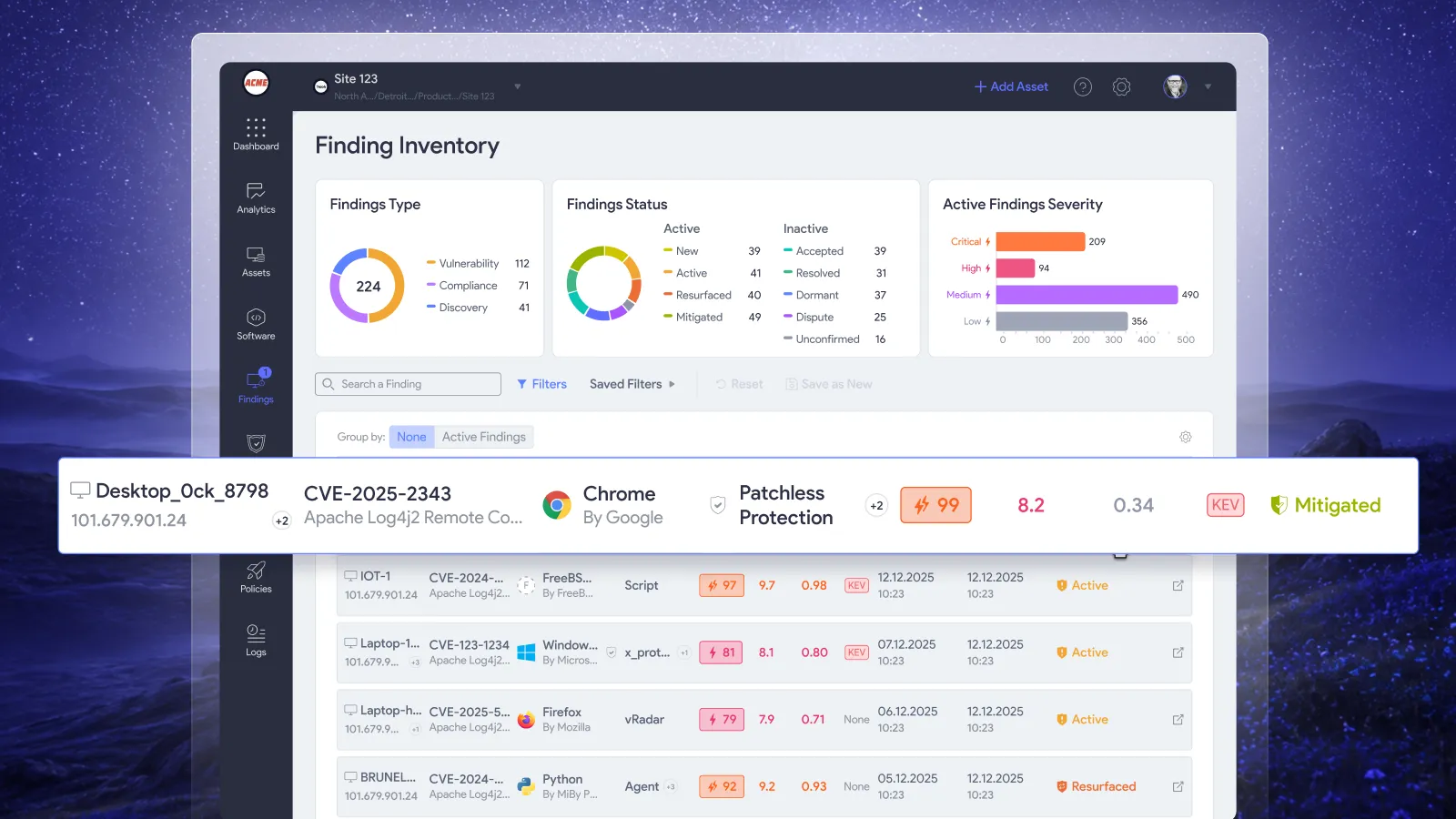
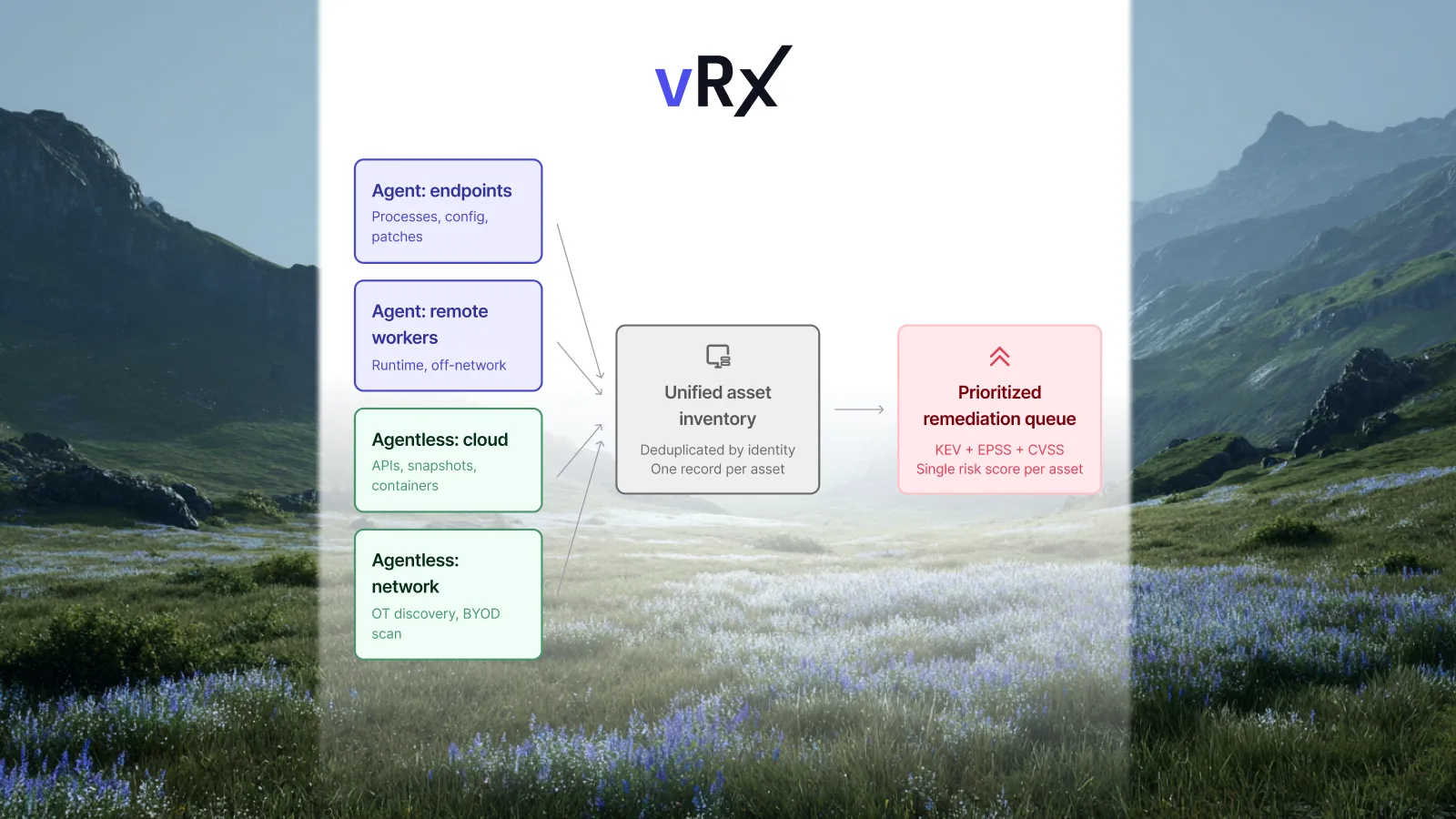
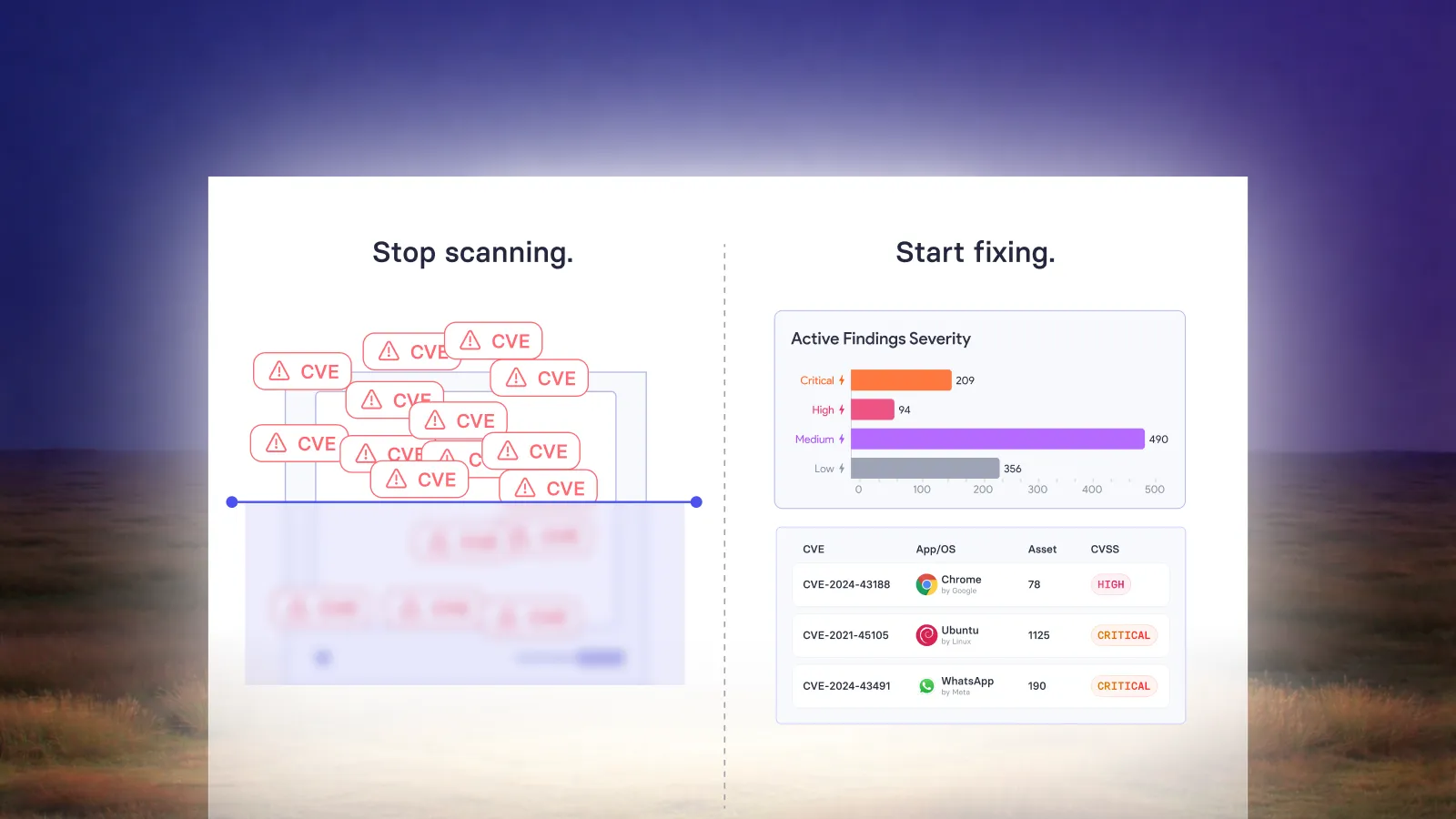
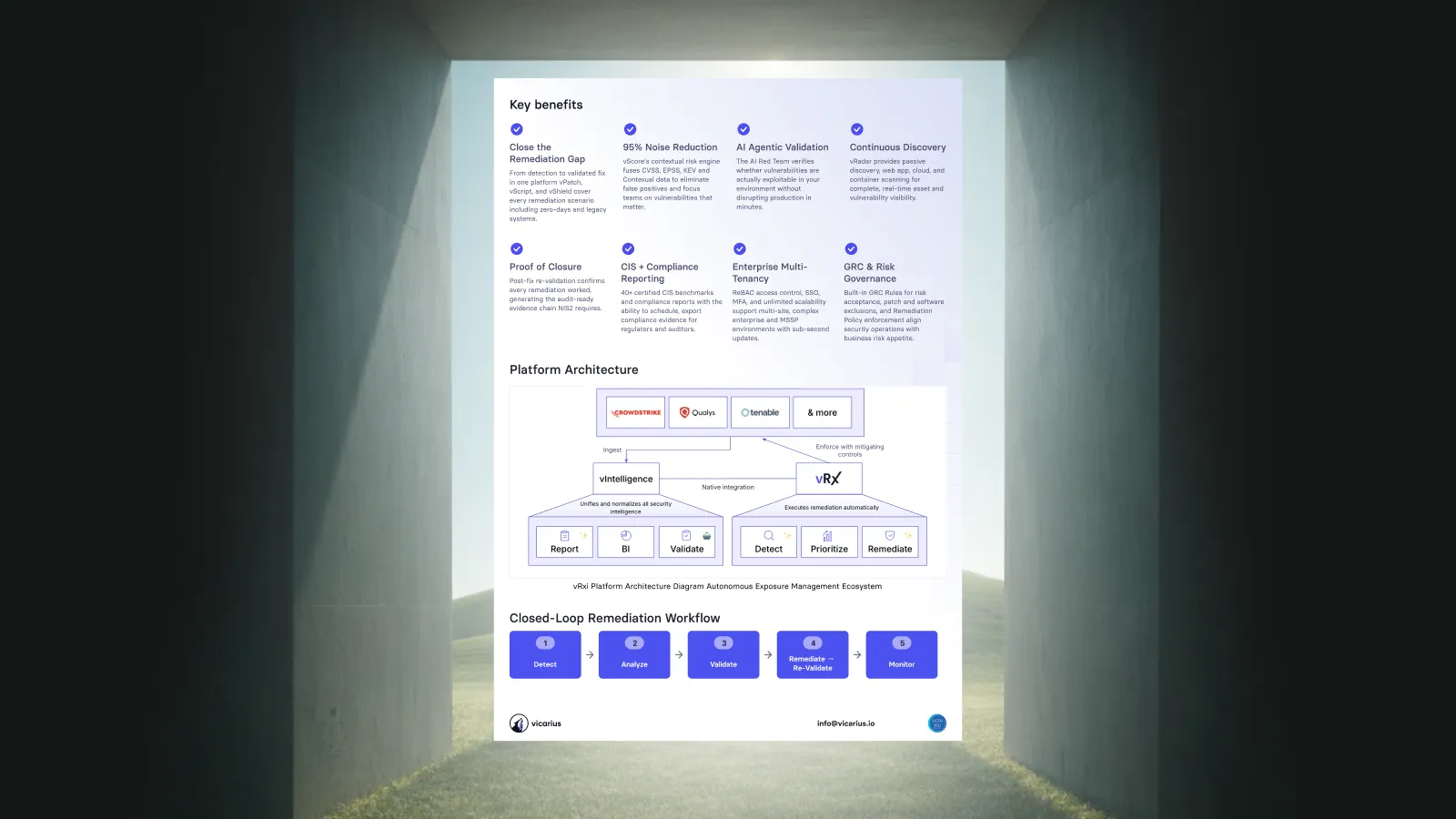
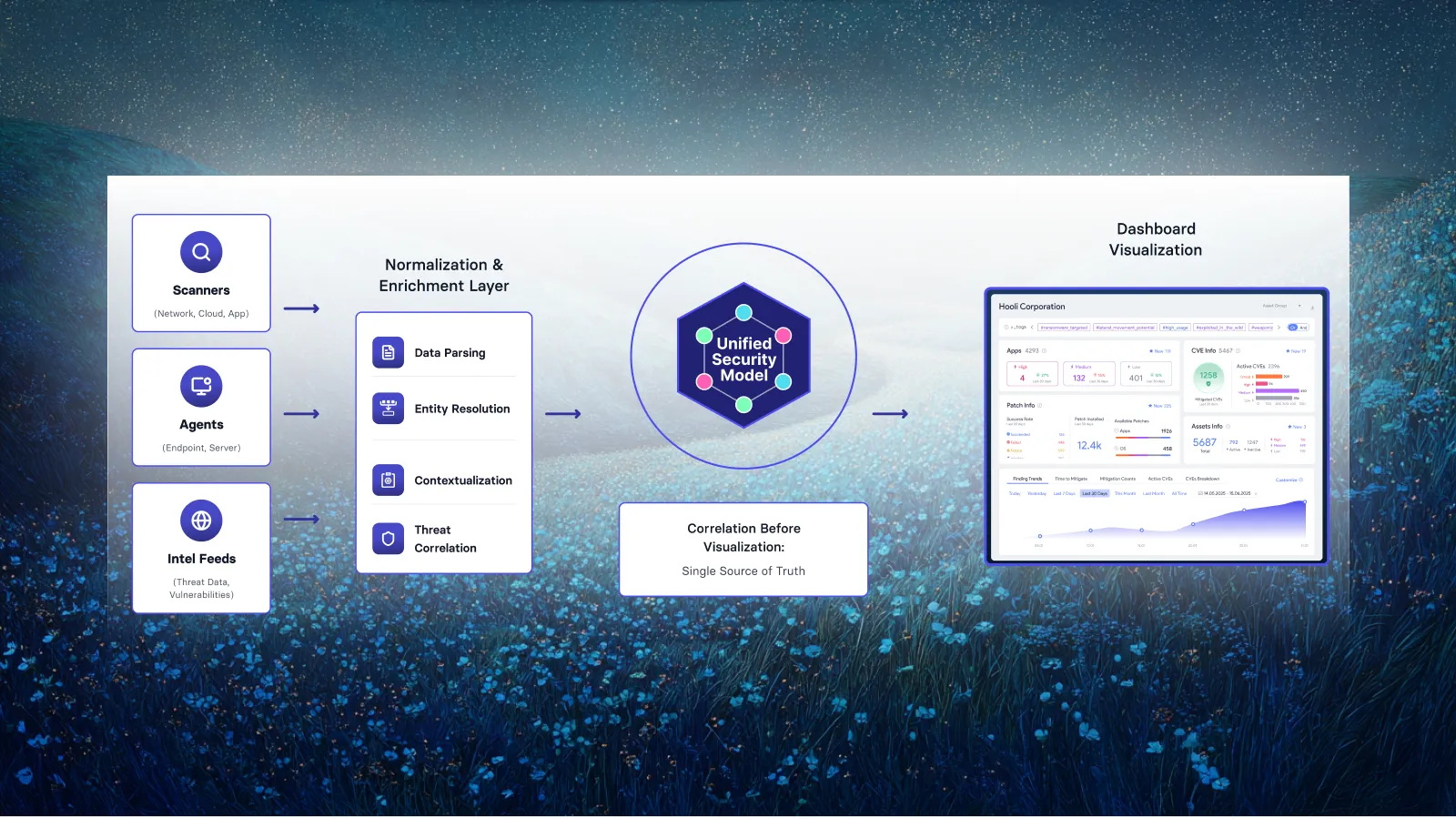
vRx is a SaaS vulnerability management platform built around remediation. It finds vulnerabilities two ways. A lightweight agent continuously assesses Windows, macOS and Linux endpoints. vRadar, Vicarius's agentless scanner, handles asset discovery, vulnerability scanning and compliance checks where you can't or don't want to install an agent. It also scans web applications for the OWASP Top 10. vScore prioritises them by real-world exploitability. Then vRx fixes them in the same console.
Remediation: native. vRx has three remediation layers, all built and run by Vicarius:
- Patching for Windows, macOS, Linux and more than 20,000 third-party applications, on demand, on a schedule or by rule.
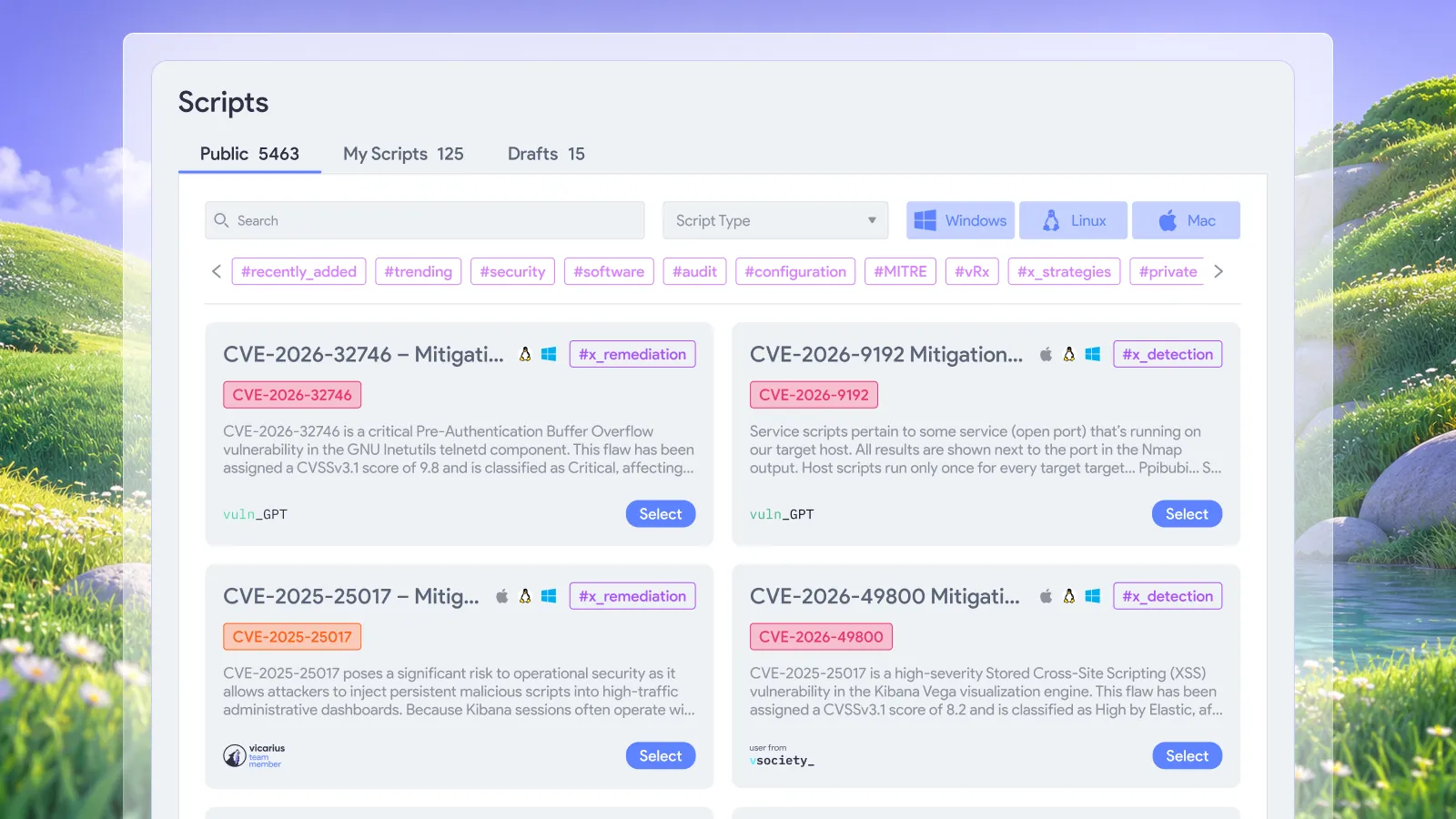
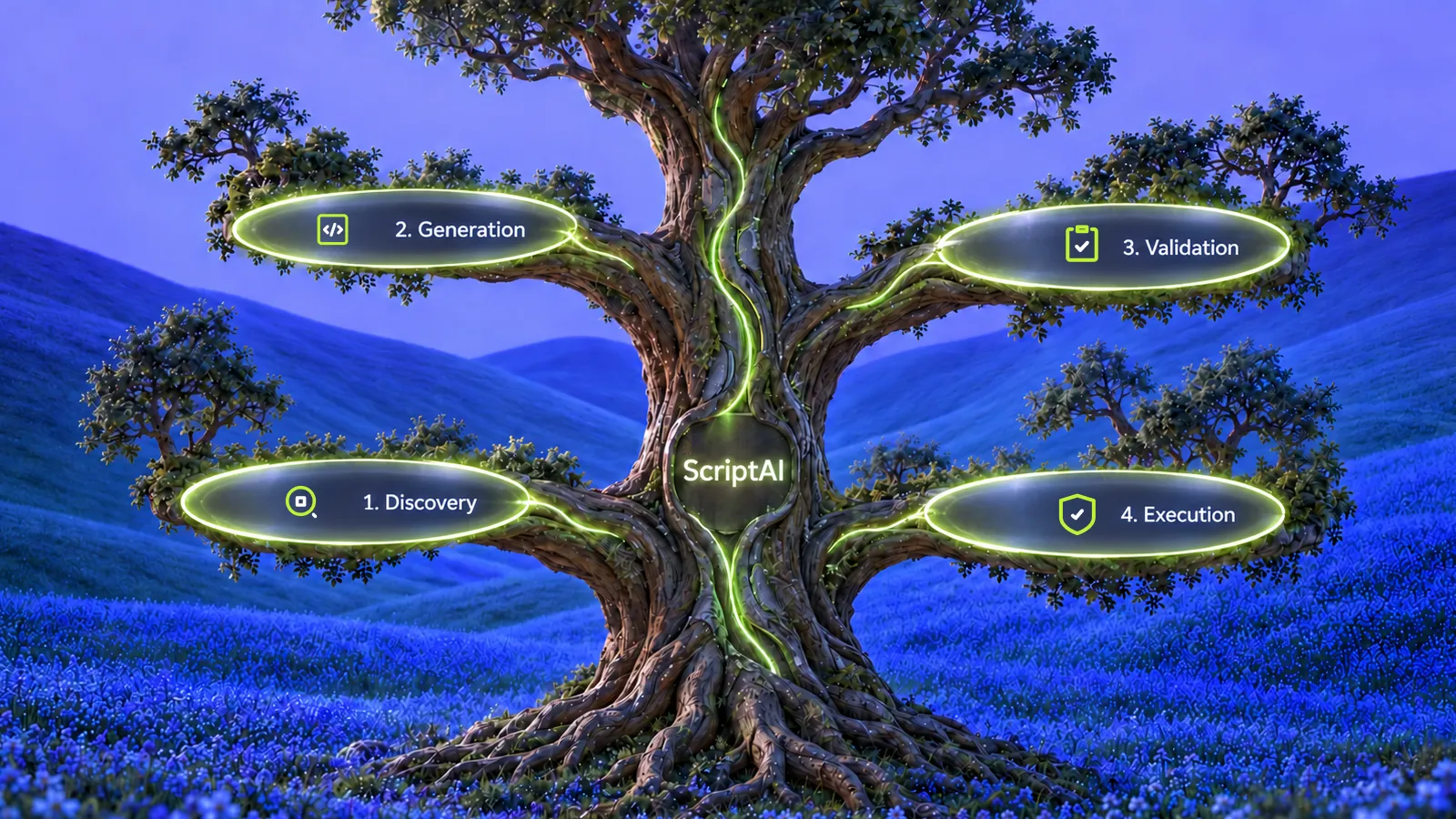
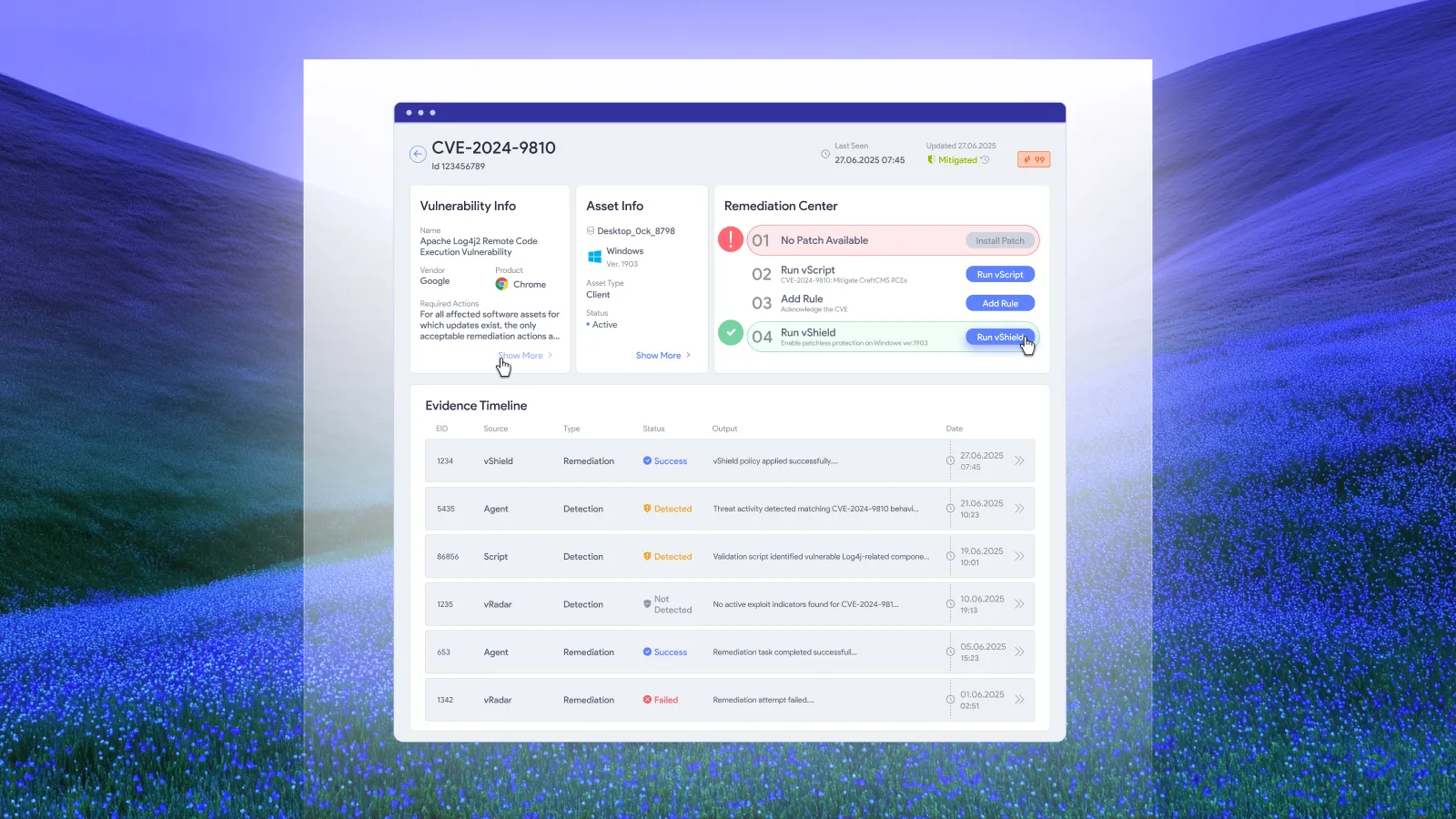
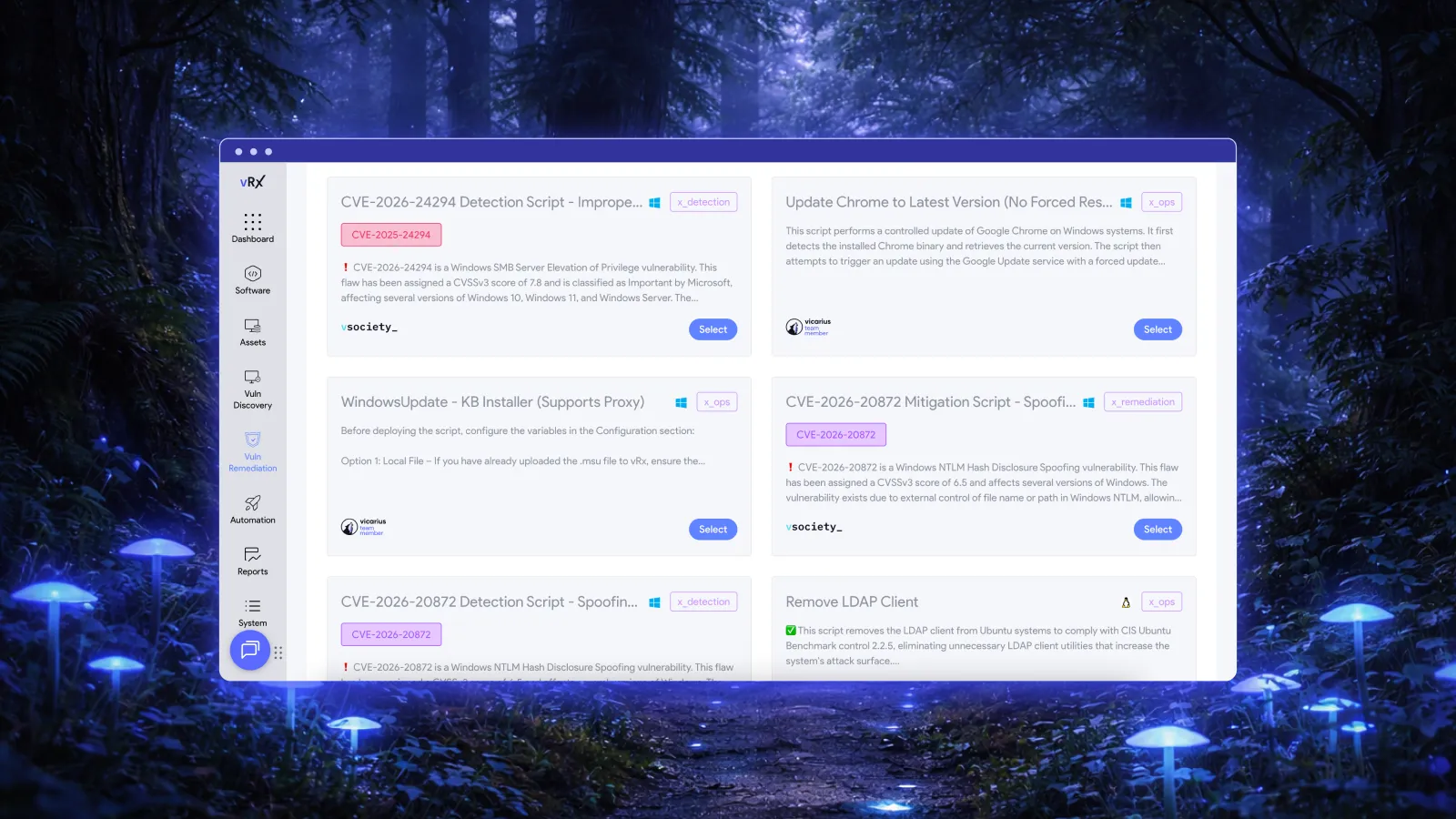
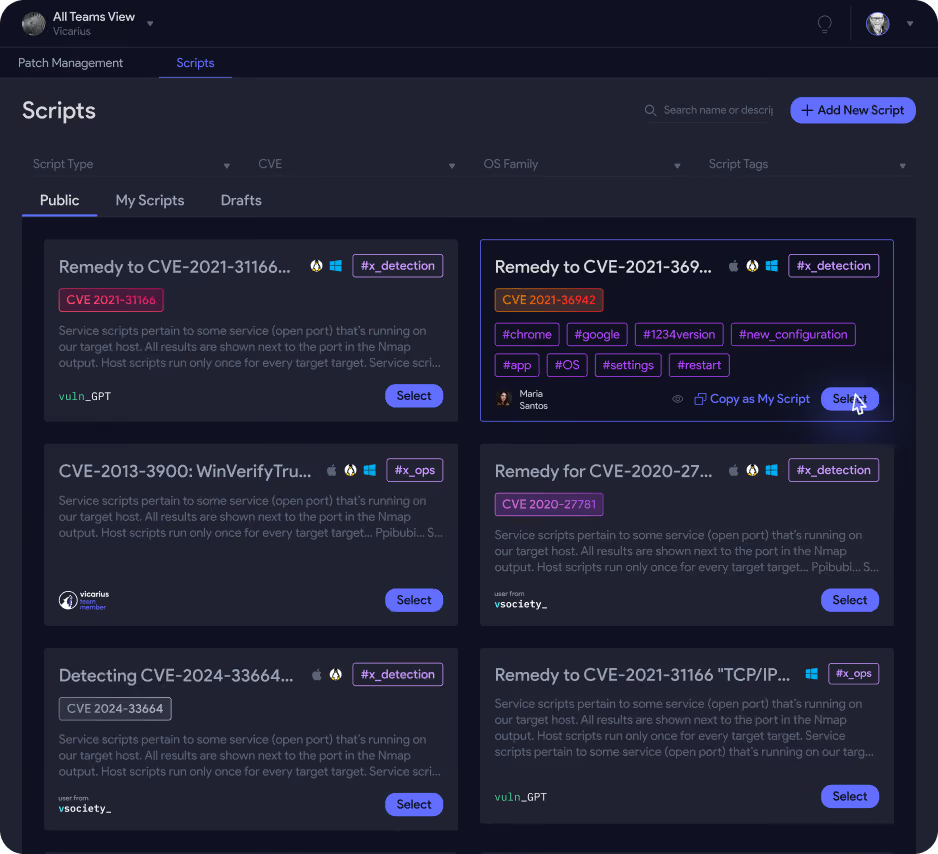
- vScript: PowerShell, Bash and Batch scripts for fixes that patches don't cover, such as registry changes, configuration hardening, or finding a specific vulnerable file like a Log4j JAR. ScriptAI generates detection and remediation scripts for exploited vulnerabilities that don't yet have a vendor patch.
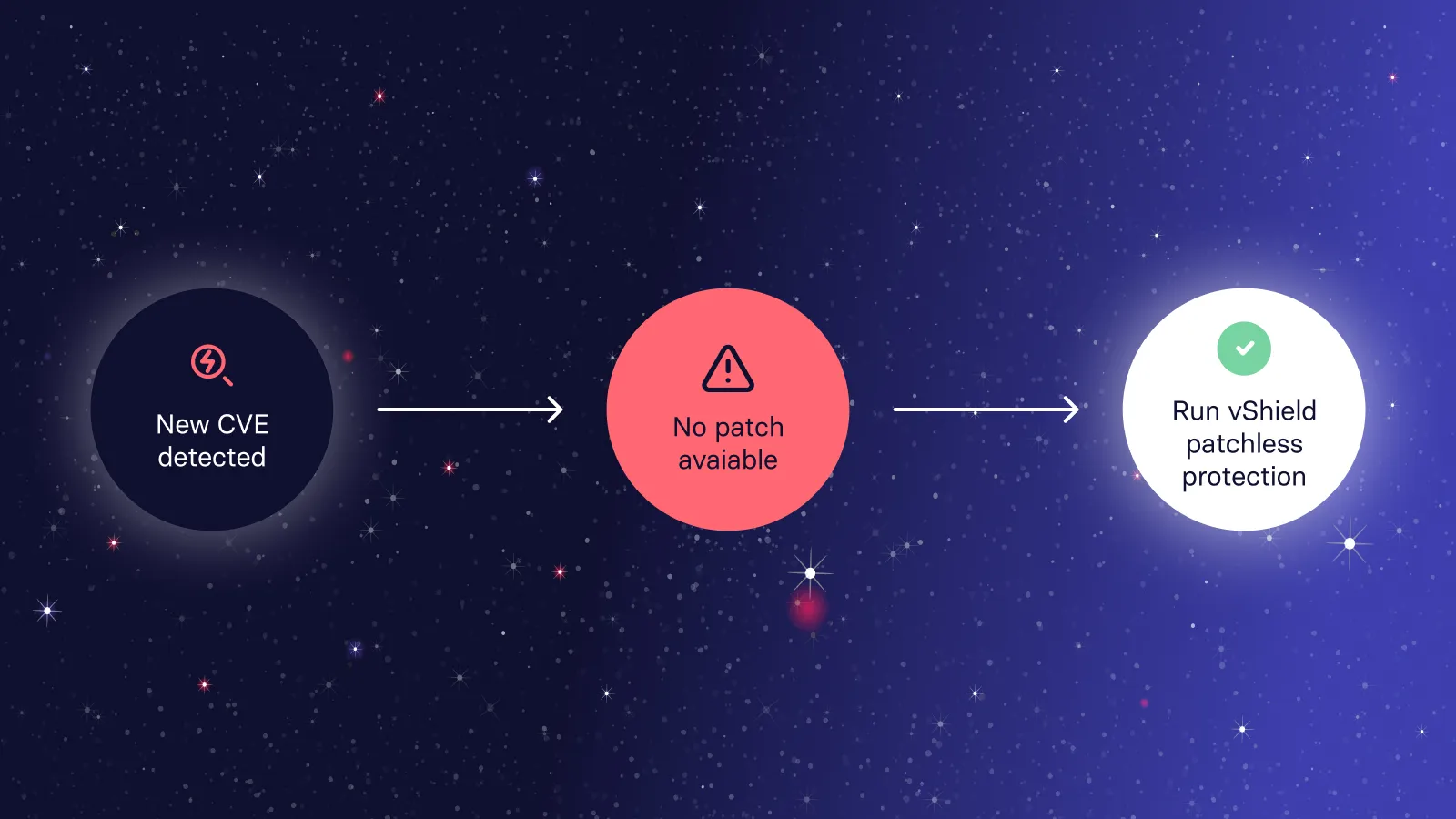
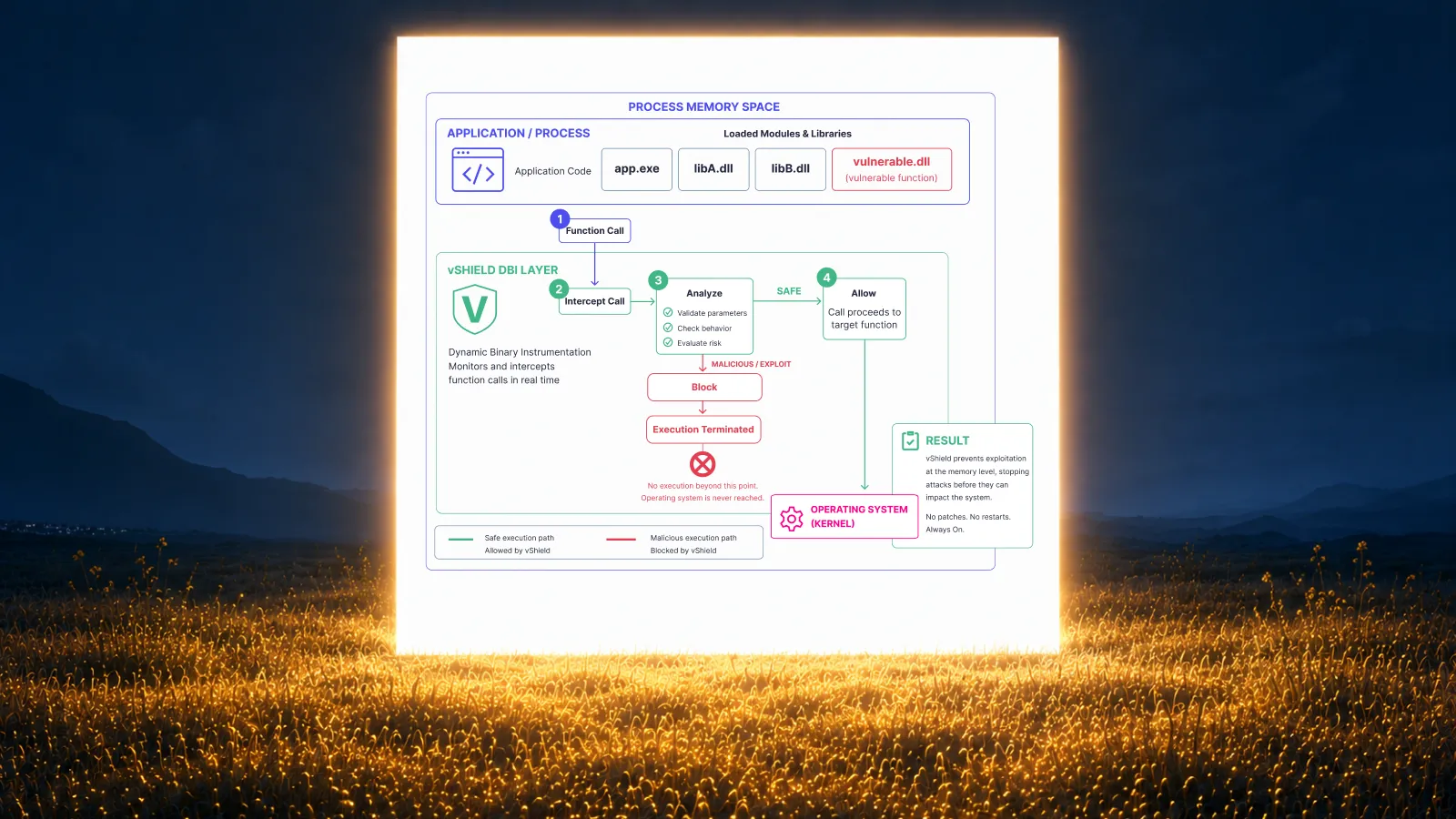
- vShield patchless protection: blocks exploit paths in memory for software you can't patch or remove, such as end-of-life or proprietary business apps, with no reboot.
Strengths
- Detection, prioritisation and every type of fix in one platform. Delivered as SaaS, with no on-prem console or servers to run.
- Agent-based and agentless (vRadar) coverage in one platform. Managed endpoints get continuous assessment, and other assets can still be discovered and scanned.
- Can take in findings from existing scanners such as Tenable and Qualys, so you can keep a scanner while you move remediation into vRx.
Weaknesses
- vRadar is much newer than long-established network scanners such as Nessus. For specialised assets such as OT and network appliances, and for web app findings, compare coverage against your current scanner in a proof of concept.
- Web application scanning (OWASP Top 10) is part of vRadar rather than a dedicated application security product. Teams with large AppSec programmes may still want a specialist DAST tool alongside it.
- A younger, smaller vendor than Tenable, Qualys or Rapid7, so fewer outside consultants and MSSPs know it well.
Best for: teams whose real problem is the backlog of known vulnerabilities, not finding more of them. See Vicarius vRx vs Tenable.
2. Qualys VMDR
Qualys is the closest like-for-like replacement for Tenable. VMDR (Vulnerability Management, Detection and Response) runs in the Qualys cloud and uses a lightweight cloud agent plus network scanners to cover on-prem, cloud, container and remote assets. Its TruRisk scoring adds exploitability and business context to prioritisation.
Remediation: native, but sold separately. Qualys built its own patching: Qualys Patch Management. In 2024 it bundled patching with TruRisk Mitigate (scripted configuration changes when no patch exists) and TruRisk Isolate (quarantining risky assets) as TruRisk Eliminate. These are add-ons to VMDR, not part of it. TruRisk Eliminate 2.0, released in October 2026, adds TruConfidence: patch reliability scores, wave-based rollouts with failure analysis and rollback guidance, and compensating controls applied through the security tools you already run.
Strengths
- Detection breadth and cloud scale comparable to Tenable.
- Native patching and mitigation from the same vendor, in the same platform.
- Built-in ServiceNow and Jira integrations, and Qflow workflows to automate multi-step remediation.
Weaknesses
- Remediation costs extra. VMDR, Patch Management and TruRisk Eliminate are licensed separately, so the full detect-and-fix stack adds up.
- Many modules and apps within the platform, which takes time to learn and configure.
- Some of its patchless mitigation is applied through your existing security tools, so how far it reaches depends on the rest of your stack.
Best for: organisations that want Tenable-level detection and are willing to buy the remediation modules. Read also: Qualys vs Tenable for Vulnerability Management and Vicarius vRx vs Qualys.
3. Rapid7 InsightVM / Exposure Command
Rapid7 InsightVM combines on-prem scan engines with the Insight Agent, and adds live dashboards and Remediation Projects to track fixes across teams. Exposure Command, Rapid7's newer platform, folds InsightVM's vulnerability management together with cloud and attack surface data.
Remediation: bolted on. In July 2025 Rapid7 launched Active Patching, powered by Automox, for Exposure Command. It patches Windows, macOS, Linux and third-party software, and can apply virtual patches or compensating controls when no patch exists. The patching engine is Automox's, not Rapid7's.
Strengths
- Strong detection and reporting, and tight links to Rapid7's detection and response products if you already use them.
- Remediation Projects make ownership and progress visible.
- Patching now exists inside Exposure Command instead of only through ticketing.
Weaknesses
- Patching depends on a partner's engine and is tied to Exposure Command. InsightVM-only customers still remediate through tickets or other tools.
- Two products to understand (InsightVM and Exposure Command) during Rapid7's platform transition.
- Running an on-prem console and scan engines adds infrastructure work.
Best for: Rapid7 security-operations customers who want vulnerability data next to their detection and response. Read also: Rapid7 vs Tenable for Vulnerability Management and Vicarius vRx vs Rapid7.
4. Microsoft Defender Vulnerability Management
Defender Vulnerability Management uses the Microsoft Defender for Endpoint sensor that many organisations already run, so there's no extra agent or scanner. The core capabilities, including vulnerability and configuration assessment, risk-based prioritisation and software inventory, come with Defender for Endpoint Plan 2. An add-on (or standalone licence) adds security baselines, browser extension and certificate assessment, and blocking of vulnerable applications.
Remediation: a separate product. Defender doesn't deploy patches. It creates remediation requests that an IT admin approves and deploys in Microsoft Intune. Blocking vulnerable applications is native, but only with the add-on.
Strengths
- No new agent for Microsoft shops, and findings sit next to Defender XDR alerts.
- Core vulnerability management is already included if you own Defender for Endpoint P2.
- Blocking vulnerable apps gives a quick stop-gap while a fix is pending.
Weaknesses
- Fixing depends on Intune and on IT acting on each request. Security can't close the loop alone.
- Third-party application patching depends on what your Intune licensing covers.
- Coverage follows Defender for Endpoint. Devices without it, or estates built on other EDR and endpoint tools, get much less value.
Best for: organisations standardised on Microsoft 365 E5, Defender and Intune. See Vicarius vRx vs Microsoft Defender.
5. ManageEngine Vulnerability Manager Plus
Vulnerability Manager Plus combines agent-based vulnerability scanning, configuration and security hardening checks, and patching in one console. It runs on-prem or in the cloud.
Remediation: native (Enterprise edition). Built-in patch management covers Windows, macOS, Linux and more than 1,100 third-party applications. Pre-built zero-day mitigation scripts cover vulnerabilities that don't yet have a patch. Both are in the Enterprise edition only.
Strengths
- Scanning and patching from one vendor, without a separate patch product.
- An on-prem option for organisations that can't use SaaS.
- Transparent per-device pricing.
Weaknesses
- Patching and mitigation scripts need the Enterprise edition; the Professional edition only finds and reports.
- About 1,100 third-party apps is a much smaller patch catalogue than patch-focused platforms.
- Focused on managed endpoints and servers. Less suited to broad network, cloud or web application discovery.
Best for: mid-sized IT teams that want detection and patching together at a predictable price. See Vicarius vRx vs ManageEngine.
6. Greenbone OpenVAS (free Nessus alternative)
OpenVAS started in 2005 as a fork of Nessus, when Tenable moved Nessus to a closed-source licence. Greenbone now maintains it, and the Greenbone Community Edition is free and open source under the GPL. It's the most common answer to "is there a free Nessus alternative?".
Remediation: none. OpenVAS is a scanner only. It reports what it finds, and fixing happens elsewhere.
Strengths
- Free, open source and self-hosted, so scan data stays on your own infrastructure.
- Familiar to Nessus users, given its shared origins.
- A regularly updated vulnerability test feed.
Weaknesses
- No patching, mitigation or remediation workflow.
- You install, run, tune and maintain it yourself.
- The free community feed is smaller than Greenbone's paid enterprise feed, and support is paid.
Best for: small teams, labs and budget-constrained organisations that mainly need scanning.
7. Automox
Automox is a cloud-native endpoint and patch management platform. It isn't a scanner: it imports findings from Tenable, Qualys, CrowdStrike or any scanner that exports CSV, then automates the fixes.
Remediation: native. Automox patches Windows, macOS, Linux and third-party applications with its own engine. Worklets, ready-made or custom scripts, handle configuration changes and mitigations when no patch exists. (Automox is also the patching engine behind Rapid7's Active Patching.)
Strengths
- Cloud-native, with no on-prem servers or VPN needed to reach endpoints.
- Strong cross-platform and third-party patching.
- Works well next to Nessus or Tenable rather than replacing them.
Weaknesses
- No scanner of its own, so it's a partner to Tenable rather than a replacement.
- Prioritisation depends on the quality of the scanner data you import.
- Worklet availability depends on your package.
Best for: teams that want to keep Tenable for detection and automate the fixing. See Vicarius vRx vs Automox.
How to choose a Tenable alternative
Start with the problem you're trying to solve, not the feature list.
- "We find more than we can fix." Choose a platform with native remediation: patching, scripted fixes and protection when no patch exists, all in one place. Vicarius vRx is built for this. Qualys can do it with its separately licensed modules, and ManageEngine with its Enterprise edition.
- "We need Tenable-level detection, just from someone else." Look at Qualys VMDR or Rapid7. Check what remediation costs on top, and whether it's native or partner-built.
- "We're all-in on Microsoft." Defender Vulnerability Management is the natural fit. Make sure Intune can patch the third-party apps you run.
- "We need something free." Greenbone OpenVAS replaces Nessus scanning at no licence cost. Budget the time to run it yourself, and a separate way to fix what it finds.
- "We like Tenable's scanning; patching is the bottleneck." Keep Tenable and add a remediation platform that imports its findings, such as Vicarius vRx or Automox.
Questions to ask every vendor
- Is patching built by you, or delivered through a partner? Is it in the same console and licence?
- What happens when there's no patch: scripts, configuration changes, isolation or exploit blocking?
- How many third-party applications can you patch, and on which operating systems?
- Can you import our existing Tenable or Nessus findings during the transition?
- What does detection plus remediation cost per asset, all-in?
Frequently asked questions
What are the best alternatives to Tenable?
The main Tenable alternatives in 2026 are Vicarius vRx, Qualys VMDR, Rapid7 InsightVM / Exposure Command, Microsoft Defender Vulnerability Management, ManageEngine Vulnerability Manager Plus, Greenbone OpenVAS and Automox. Qualys and Rapid7 are the closest like-for-like scanners. Vicarius vRx and ManageEngine add native patching. OpenVAS is the free option.
Who are Tenable's main competitors?
Tenable's long-standing competitors are Qualys and Rapid7, the three traditional leaders in vulnerability scanning. Microsoft competes through Defender Vulnerability Management. Remediation-focused platforms such as Vicarius vRx compete on fixing vulnerabilities rather than only finding them.
Is there a free alternative to Nessus?
Yes. Greenbone OpenVAS (Greenbone Community Edition) is free and open source, and it began as a fork of Nessus in 2005. Tenable's own free tier, Nessus Essentials, is now limited to 5 IPs, 30-day licences and non-commercial use.
Can Tenable patch vulnerabilities?
Only through an add-on. Tenable Patch Management, launched in December 2024, is built on Adaptiva's patching technology and sold separately from Tenable's vulnerability management products. Tenable also bought Vulcan Cyber in 2025 for remediation workflows. Neither is part of Nessus itself.
What's the difference between native and bolted-on remediation?
Native remediation is built and run by the vulnerability management vendor in the same platform, as with Vicarius vRx, Qualys Patch Management or ManageEngine. Bolted-on remediation comes from a partner, an acquisition or a separate product, as with Tenable (Adaptiva), Rapid7 (Automox) and Microsoft (Intune). Bolted-on can work well, but it usually means another console, another licence or a hand-off between teams.
Is Qualys better than Tenable?
Neither is better across the board. Both are strong scanners with broad coverage. Qualys has the edge on remediation because its patching and mitigation are its own, though they're licensed separately. Tenable is often preferred for detection breadth. See Qualys vs Tenable for Vulnerability Management.
Can I keep Tenable and add remediation?
Yes. Remediation platforms such as Vicarius vRx and Automox can take in Tenable findings and handle patching and mitigation, so you can keep Nessus or Tenable for scanning.
References
- Tenable: Nessus Essentials
- Tenable: Tenable Patch Management 2026 release notes (October 2026)
- Adaptiva: Tenable Patch Management
- Tenable: Tenable Completes Acquisition of Vulcan Cyber (February 2025)
- Qualys: Qualys Unveils TruRisk Eliminate 2.0 with TruConfidence to Power Autonomous RemOps (October 2026)
- Rapid7: Rapid7 Launches Active Patching Powered by Automox (July 2025)
- Microsoft Learn: Compare Defender Vulnerability Management plans and capabilities
- Microsoft Learn: Remediate vulnerabilities
- ManageEngine: Vulnerability Manager Plus
- Greenbone: OpenVAS vs Nessus
- Automox: Vulnerability management
- Vicarius: Patch management, Patchless protection, Scripting and ScriptAI
Related resources: